What is App Intro?
Money Manager's App Intro is a guided onboarding flow designed to familiarize you with everything the app offers before you start tracking your finances. Each screen highlights a core feature — dashboard selection, backup and restore, import and export, budget planning, cashbook, transaction reminders, account management, and configuration — giving you a complete head start. You won't feel lost; every major capability is introduced clearly and simply right from the very first launch so you can set up your preferences before recording your first transaction.
Up and Running in Minutes. The intro screens guide you through setup so you start with your preferences already in place — dashboard style, reminders, and backup all configured before your first transaction is ever added.
Feature Highlights
See all the amazing capabilities in action:
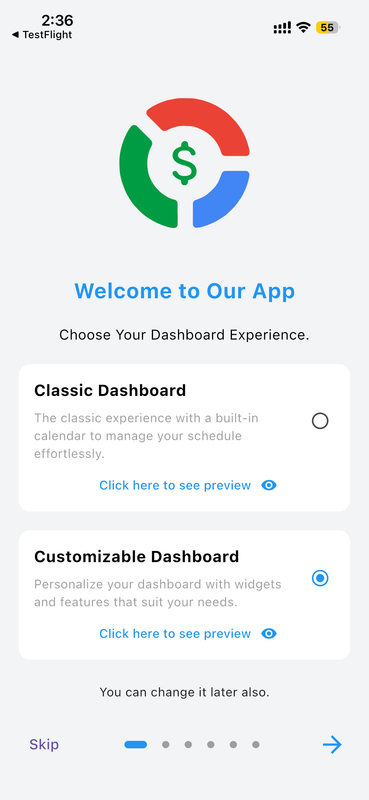
Choose Your Dashboard Style
When you first launch Money Manager, you're presented with a clear choice between two dashboard experiences: the Classic Dashboard with a built-in calendar layout, and the Customizable Dashboard where you can add and arrange widgets that suit your personal financial needs. You can preview each option before deciding by tapping "Click here to see preview." The selection is saved instantly, but you can always return to Settings and change it later. This first screen ensures the app feels tailored to your lifestyle from the very first moment — no one-size-fits-all approach here.
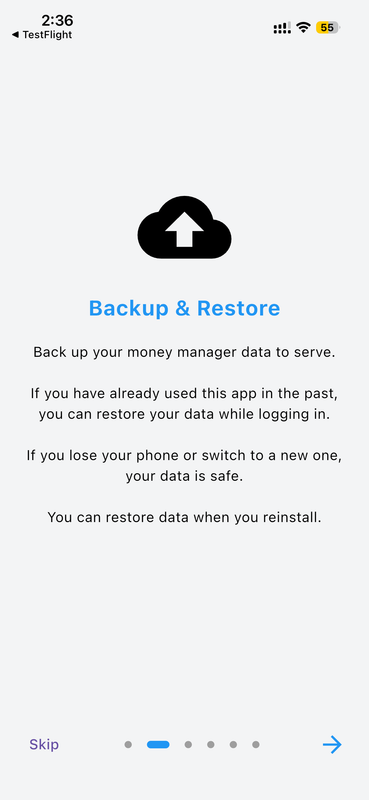
Secure Backup & Restore
Your financial data is too important to risk losing. The Backup & Restore intro screen explains how Money Manager keeps your data safe — backed up securely to the cloud so you can restore it anytime. Whether you upgrade your phone, switch to a new device, or reinstall the app after an accidental deletion, your entire transaction history, categories, and settings come back exactly as you left them. The restore process is triggered automatically during login, making data recovery completely seamless. This screen gives you full peace of mind before you even add your very first transaction to the app.
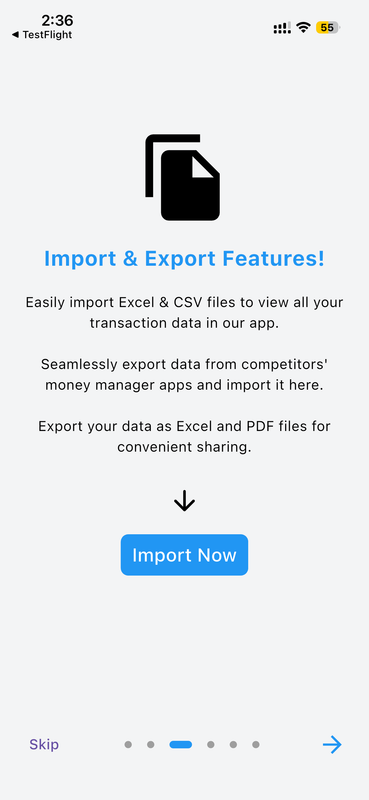
Import & Export Your Data
Switching from another money management app? No problem. The Import & Export screen shows how you can bring in transaction data from Excel or CSV files, making migration effortless. You can also import data exported from competitor apps. Going the other direction, Money Manager lets you export your full transaction history as an Excel or PDF file — perfect for sharing with an accountant, for tax purposes, or for your own records. Tap the "Import Now" button during onboarding to begin immediately. This feature ensures your data is always portable and never locked into any single platform.
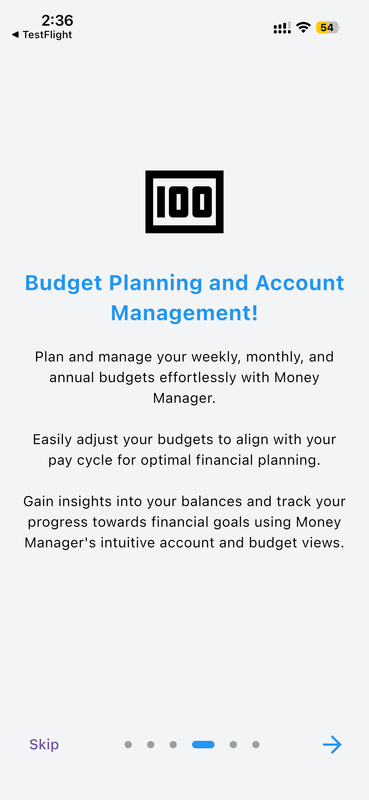
Budget Planning & Account Management
Money Manager's budget planning tools let you set weekly, monthly, and annual spending limits so you always know how much you can afford to spend at any given point. You can align your budget with your pay cycle for precise financial control that matches your real income schedule. The account management view gives you a consolidated picture of all your balances, liabilities, and net worth at a glance. Track your progress toward financial goals and see exactly where you stand, updated in real time as you add transactions throughout each day and week.
Advanced Cashbook Management
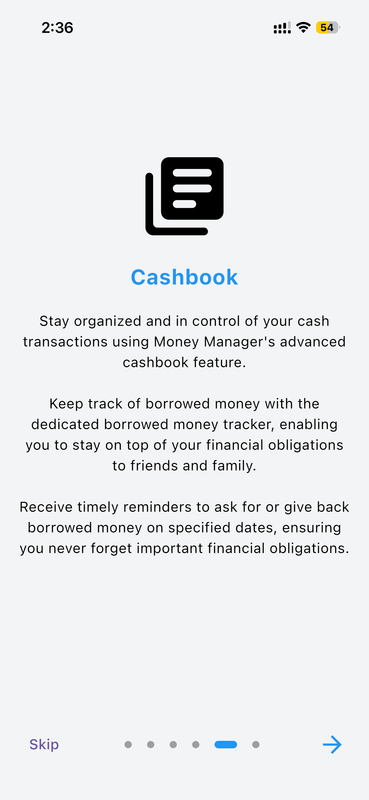
The Cashbook feature gives you a dedicated space to manage cash transactions with precision and full transparency. Stay organized and in complete control of money you've lent or borrowed using the advanced borrowed money tracker. You can record who owes you money and how much, set reminders to follow up on specified dates, and never let a financial obligation slip through the cracks again. Whether you're tracking a loan to a friend, a business advance, or a borrowed sum from family, the Cashbook ensures every rupee is accounted for with timely reminders delivered exactly when you need them.
Smart Transaction Reminders
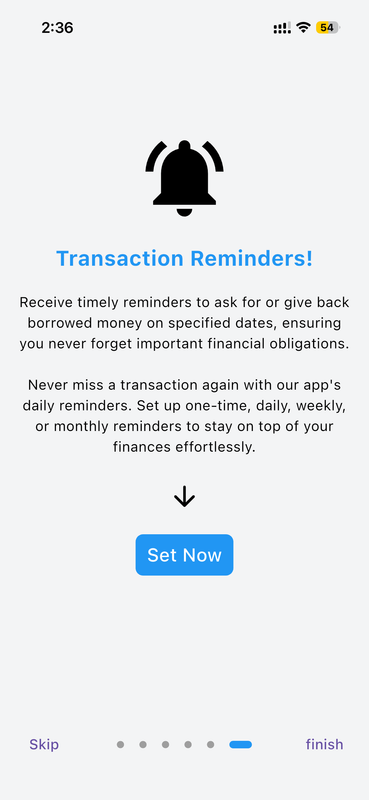
Never forget to record a transaction again. The Transaction Reminders screen lets you set up one-time, daily, or weekly push notifications that prompt you to log your expenses and income at the right time each day. You can schedule reminders at any hour that suits your routine — such as 9:00 PM every evening — so reviewing your finances becomes a consistent, effortless daily habit. The reminder system also supports cashbook-related alerts, reminding you to follow up on borrowed or lent money on the specific dates you choose. Tap "Set Now" during onboarding to activate your first reminder immediately.
Account & Asset Management Tools
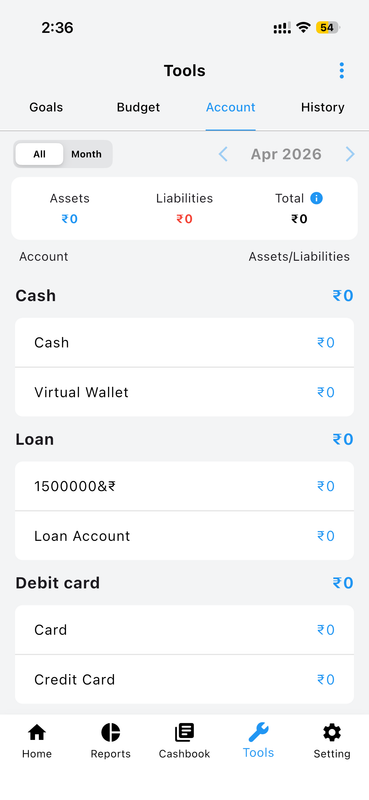
The Tools section provides a comprehensive account management interface where you can view and manage all your financial accounts in one consolidated place. From the Account tab, you can see a real-time breakdown of your Assets and Liabilities with a running Total for any selected month. Accounts are organized by type — Cash, Virtual Wallet, Loan accounts, Debit cards, and Credit cards — each showing its current balance at a glance. Navigate between months using the arrow controls and toggle between "All" and "Month" views for different time perspectives on your overall financial health and net position.
Flexible Configuration Options
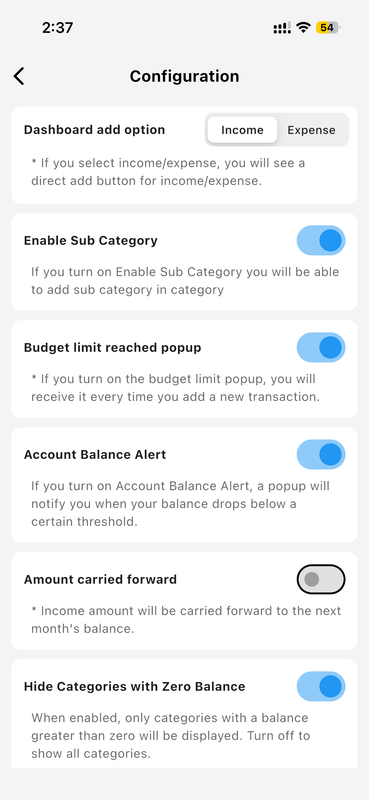
The Configuration screen puts you in complete control of how the app behaves day to day. Choose whether the dashboard's quick-add button defaults to Income or Expense entry. Enable Sub Categories to add granular labels within categories for more detailed transaction tracking. Turn on Budget Limit Reached Popup to get instant alerts when you've hit a spending ceiling for any category. Set Account Balance Alerts to be notified when any account drops below a threshold you define. Configure whether income amounts carry forward to the next month's balance, and choose to hide categories with zero balance to keep your views clean and focused on what's active.
How to Get Started
-
Launch Money Manager Open the app for the first time and the onboarding intro will start automatically, walking you through each key feature in sequence.
-
Choose Your Dashboard Select Classic or Customizable dashboard on the first intro screen. Tap the preview link to see how each looks before deciding.
-
Review Each Intro Screen Swipe through screens covering backup, import/export, budgeting, cashbook, and reminders to understand every available feature before you start.
-
Set Up Reminders Tap "Set Now" on the Reminders screen to configure your preferred notification schedule so you never miss logging a transaction.
-
Complete Onboarding Tap "Finish" or skip at any time. You can always revisit the intro from Settings → Introduction Screen whenever you need a refresher.
Why You'll Love It
Most apps drop you into a blank screen with no guidance, leaving you to figure everything out on your own. Money Manager's App Intro changes that — it gently introduces you to every core feature before you start, so you never feel overwhelmed or lost. Whether you're a first-time personal finance tracker or switching from another app, the onboarding ensures you're set up for success from the very first minute with your preferences already configured.
Combined with Money Manager's real-time sync and cloud backup, your financial journey gets off to the strongest possible start — data protected, reminders active, and your dashboard already personalized before your first transaction is entered.