What is Dashboard Overview?
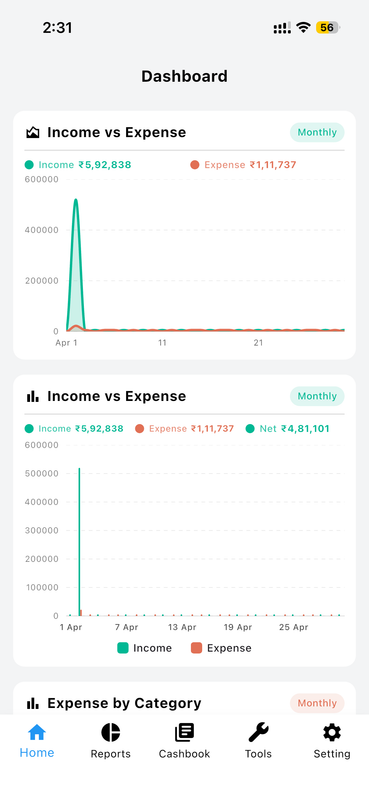
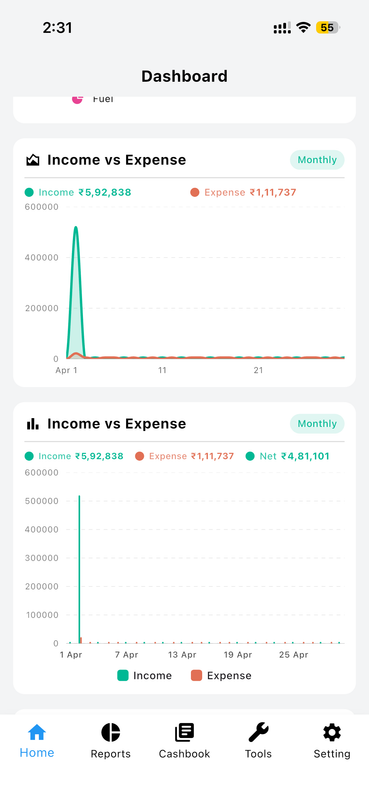
View all metrics seamlessly. Instead of a fixed layout, you get a fully personalized home screen where you decide which financial information appears, in what order, and how it looks. Whether you want to track daily spending, monitor savings goals, or check your net worth first thing in the morning — your dashboard reflects your priorities.
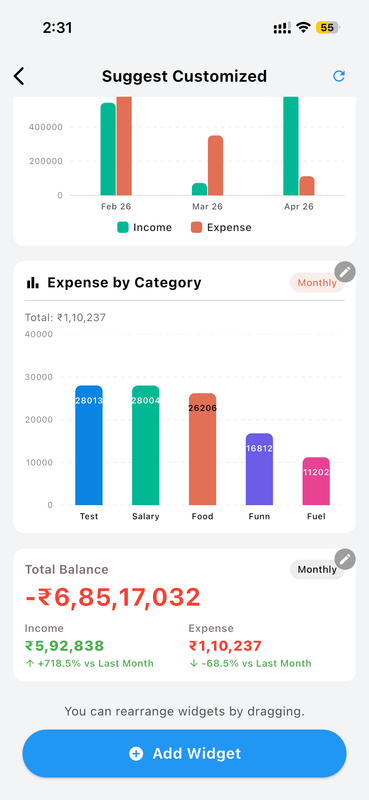
Drag. Drop. Done. Rearrange widgets with a simple long-press and drag. Your layout is saved automatically and syncs across your devices.
Feature Highlights
See all the amazing capabilities in action:
Dashboard Overview Feature 1
Edit this text to describe what this specific feature image is demonstrating.
Dashboard Overview Feature 2
Edit this text to describe what this specific feature image is demonstrating.
Dashboard Overview Feature 3
Edit this text to describe what this specific feature image is demonstrating.
Dashboard Overview Feature 4
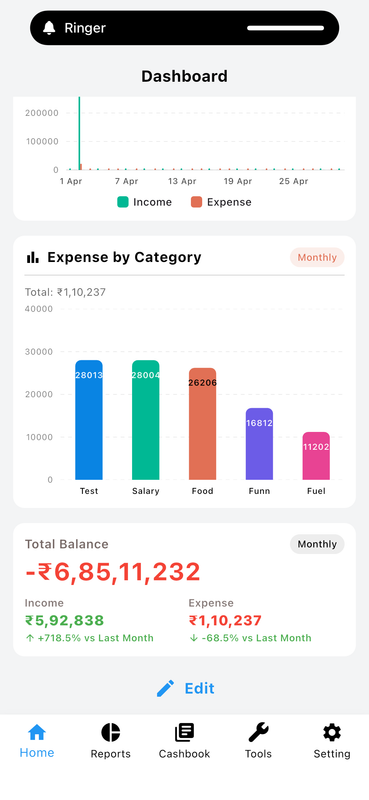
Edit this text to describe what this specific feature image is demonstrating.
How to Customize Your Dashboard
-
Open the Dashboard Launch Money Manager and land on your home screen dashboard.
-
Tap "Edit" or Long-Press a Widget Enter edit mode by tapping the edit icon in the top corner or long-pressing any widget.
-
Add or Remove Widgets Browse the widget library and toggle on the ones you want. Deselect any you don't need.
-
Drag to Rearrange Hold and drag any widget to reposition it exactly where you want it on the screen.
-
Save Your Layout Tap "Done" and your personalized layout is saved — it stays exactly as you set it.
Why You'll Love It
Everyone manages money differently. A freelancer may want to see client payment goals front and center. A family might prioritize grocery and utility budget widgets. A saver wants the net worth tracker at the top. The Customized Dashboard adapts to your financial life — not the other way around.
Combined with Money Manager's real-time sync and cloud backup, your layout is always available, always up-to-date, and always yours.